 TGX Account
In the 2026 scenarios of Twitter (now X) operations, matrix building, traffic generation, comment control, or script automation, "ct0 ➕ auth_token" are the core login credentials. Many beginners see these two fields listed in the account details, but don't understand what they actually are, how they work, or why they are so important. This article will break down from scratch the definitions, principles, technical background, and practical advantages of ct0 and auth_token, while providing a complete beginner's guide to stable login and account warming.
First, understand the basics: What is a browser cookie?
Browser cookies are small text data stored locally on your device by websites to remember user states. The most common use case is "keeping you logged in." When you log into Twitter with your password, the platform sets several key cookies in your browser. The next time you visit, your browser automatically sends these cookies along, allowing the platform to recognize that you are a logged-in user without requiring you to enter your password again.
Twitter/X login authentication mainly relies on two core cookies:
- auth_token: Authentication Token
- ct0: Cross-Site Request Forgery Token
Combined, these two cookies act as a "permanent login token," allowing you to log directly into an account using tools or browsers that support cookie importing—without needing a password, phone number, or email verification code.

What exactly is Auth_Token? Detailed mechanics
Mechanism of action:
- When a browser accesses Twitter carrying a valid auth_token, the server verifies whether this token corresponds to a real account.
- If verification succeeds, you remain in a logged-in state, able to post tweets, like, follow, send direct messages, and more.
- The validity period of an auth_token is very long (from several months to years), and it will only become invalid if the user manually logs out or changes their password.
- It is equivalent to the "digital ID card of the account", proving that "you are the owner of this account."
In unofficial tools (such as automation scripts and matrix software), the auth_token is the most core credential. Many third-party Twitter clients or crawler tools rely on it to simulate logins.
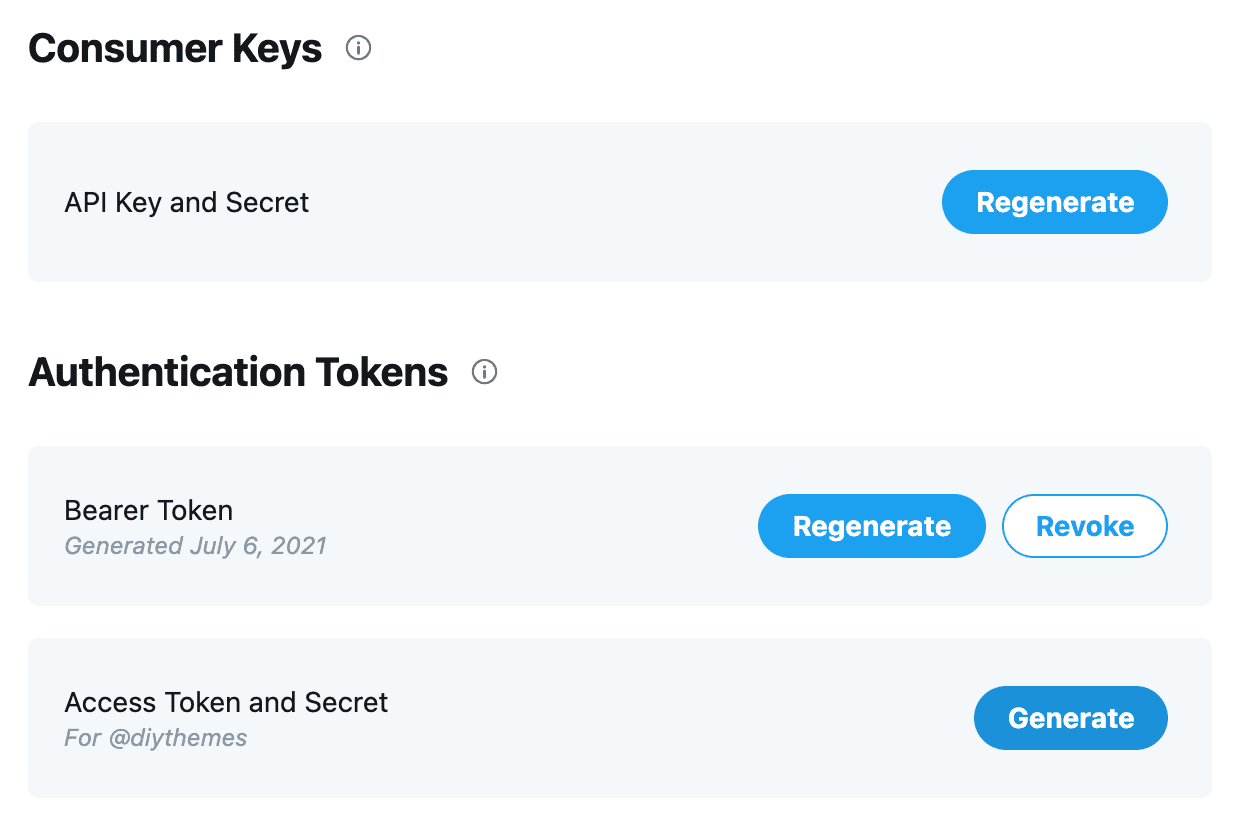
What on earth is ct0? Why must they be used in pairs?
Mechanism of action:
- CSRF attacks refer to hackers tricking logged-in users into executing malicious operations (such as transferring money or posting) without their knowledge.
- Twitter prevents this attack through the ct0 token: every important operation (such as tweeting or following) requires carrying the x-csrf-token in the request header, which must completely match the ct0 value in the Cookie.
- ct0 is refreshed periodically (automatically updated while browsing the web). If it expires or does not match, the operation will be rejected.
- In actual use, ct0 can be dynamically generated or refreshed based on the auth_token (supported by some advanced tools), but the most secure method is to directly use the latest ct0 provided by the account.
Why use auth_token ➕ ct0 together?
auth_token alone can prove identity, but cannot pass the CSRF check; ct0 alone has no identity information. The pair together makes a complete "login credential".
CT0➕Why are Auth_Token so important? Six core advantages
| Advantages | Detailed Description | Practical Scenario Benefits |
|---|---|---|
| Avoid Frequent Verification | No need to enter passwords, SMS/email verification codes; directly import Cookies to log in | Batch login efficiency increased by over 10x |
| Support Script Automation | Many Python libraries and browser automation tools directly support Cookie login | Easily achieve automation like tweeting, comment control, and data farming |
| Extremely High Batch Management Efficiency | Anti-detect browsers can import CT0%2BAuth_Token for multiple accounts with one click | Managing dozens or hundreds of matrix accounts is as smooth as silk |
| Lower Risk Control Trigger Rate | Simulates real browser login behavior, triggering fewer verifications than password login | Account survival time is significantly extended |
| Bypass 2FA Limitations | Valid Cookies can directly skip two-factor authentication (provided 2FA is enabled on the account and a valid Token is supplied) | Suitable for batch operations on older accounts with 2FA bound |
| Long-Term Stability | Tokens provided by high-quality accounts have a long validity period and can be refreshed regularly | Matrix projects can run continuously for months |
Complete Login Tutorial for Beginners on Stable Accounts (2026 Latest Process)
Recommended tools: Anti-detect browsers such as AdsPower, MoreLogin, Dolphin Anty, etc. (supports independent fingerprint environments)
- Purchase high-quality accounts with Token: Prioritize TGXaccount's 2020-2024 aged accounts or brand new Token accounts. All accounts come with complete CT0 ➕ Auth_Token.

- Prepare the environment: Install an anti-detect browser and create a new fingerprint configuration profile (making sure the operating system, browser version, time zone, etc., match the registration environment).
- Import Cookies:
- Open the browser fingerprint environment and visit twitter.com
- Use an extension (such as EditThisCookie) or the built-in Cookie manager
- Import the complete Cookie list provided by the platform (must include at least auth_token and ct0)
- Match IP: Use a clean residential IP that matches the country where the account was registered (datacenter IPs are strictly prohibited).
- Verify login: Refresh the page. If you see the personal homepage, the login is successful.
- Initial check: Check if ct0 needs to be refreshed (if operations are denied, you can log in again with your password to refresh it).
- Account warming stage: Start warming up the account immediately after a successful login (see details below).
Note: All Twitter accounts from TGXaccount support Token/Cookie login. Customer-tested wholesale of 300 accounts in a single batch resulted in zero freezes, zero errors, and zero deaths, backed by comprehensive after-sales support.
Core Principles and Detailed Guide for Account Warming
With X's risk control being extremely strict in 2026, account warming is the key to account longevity.
- Warming Cycle: New Token accounts need at least 3-5 days of warming, while older accounts need at least 7 days.
- Simulate Human Behavior:
- Browse the timeline for 30-60 minutes daily
- Like 10-30 tweets
- Retweet/reply to 5-10 tweets
- Follow 10-20 relevant accounts (avoid sudden mass-following)
- Publish 1-3 original or retweeted tweets
- Operation Rhythm: Gradually increase volume; keep it light on the first day, and normal intensity after the seventh day.
- Regular Maintenance: Refresh ct0 once a week (regular browsing will refresh it automatically).
- Pitfall Avoidance: Each account must have an exclusive fingerprint + IP; avoid high-intensity operations late at night; do not post identical content in batches.

Frequently Asked Questions (FAQ)
Conclusion: Mastering the CT0➕Auth_Token login technology will ensure your Twitter matrix operates stably for the long term under the 2026 risk control environment. Visit TGXaccount now to purchase high-quality accounts with complete Tokens and start your efficient operation journey!
📩 Official Website: https://www.tgxaccount.com?from=2462
💁♀️Telegram Customer Service: https://t.me/tgxaccount_bot


